What is a Markdown live preview?
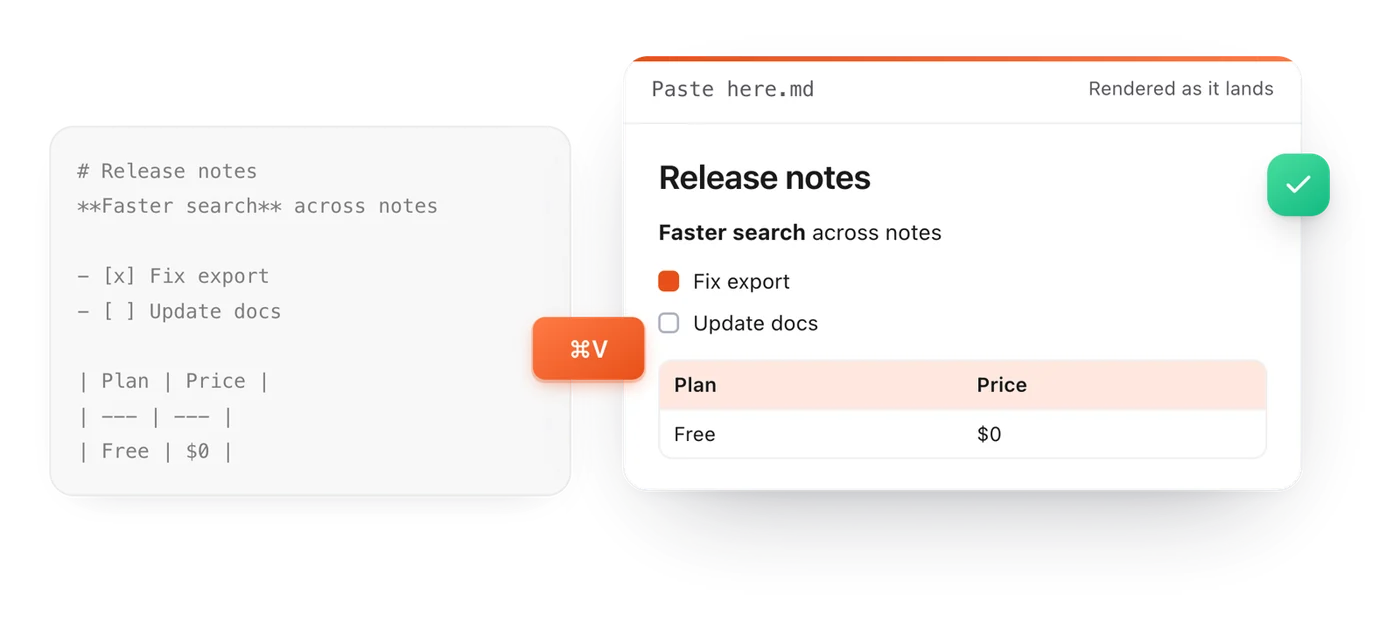
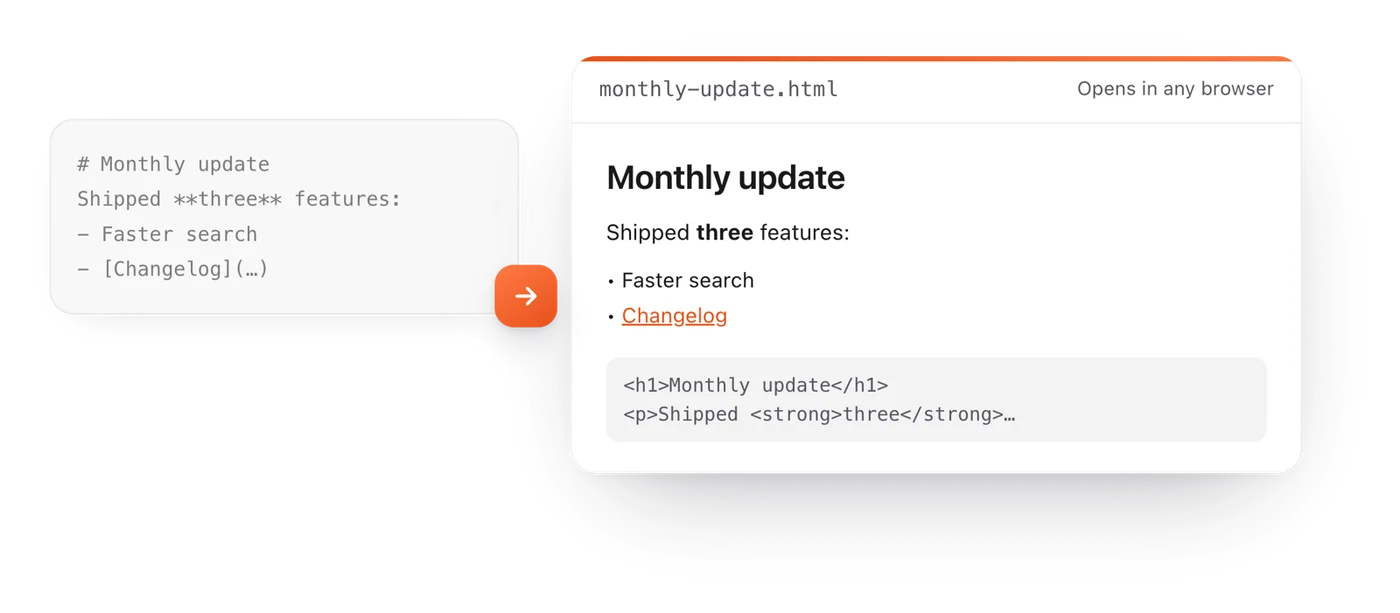
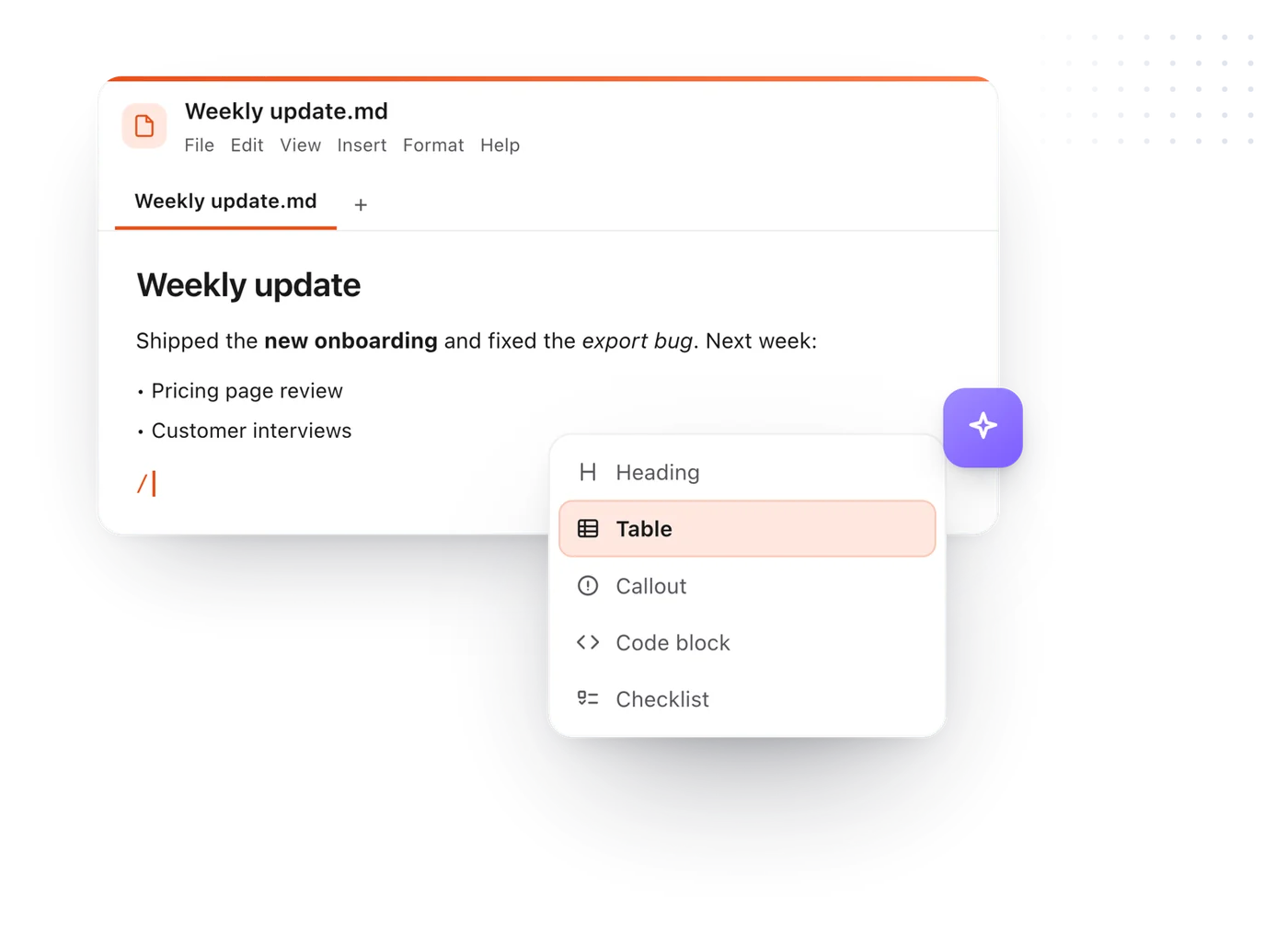
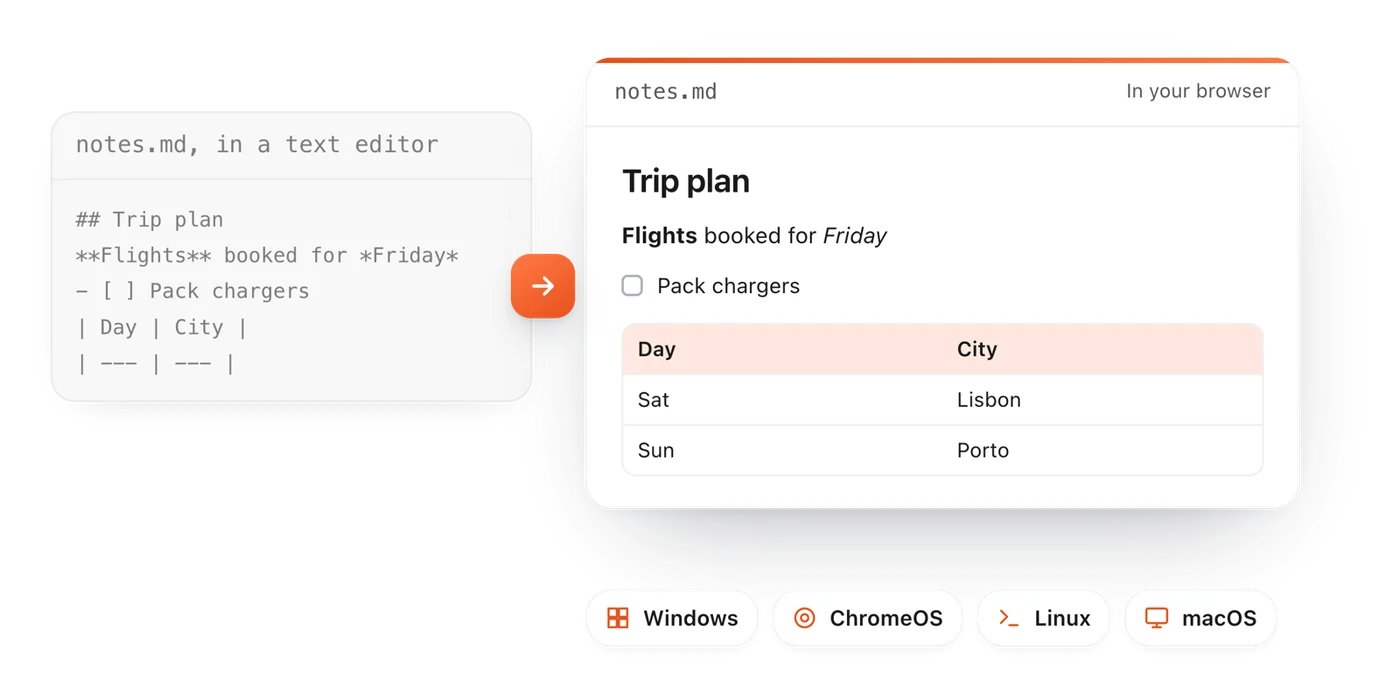
An editor that shows your Markdown formatted while you type, so you see the headings, lists and tables your readers will see, not the symbols. Markdown Live Preview does this in your browser, with nothing to install.
How do I preview Markdown online?
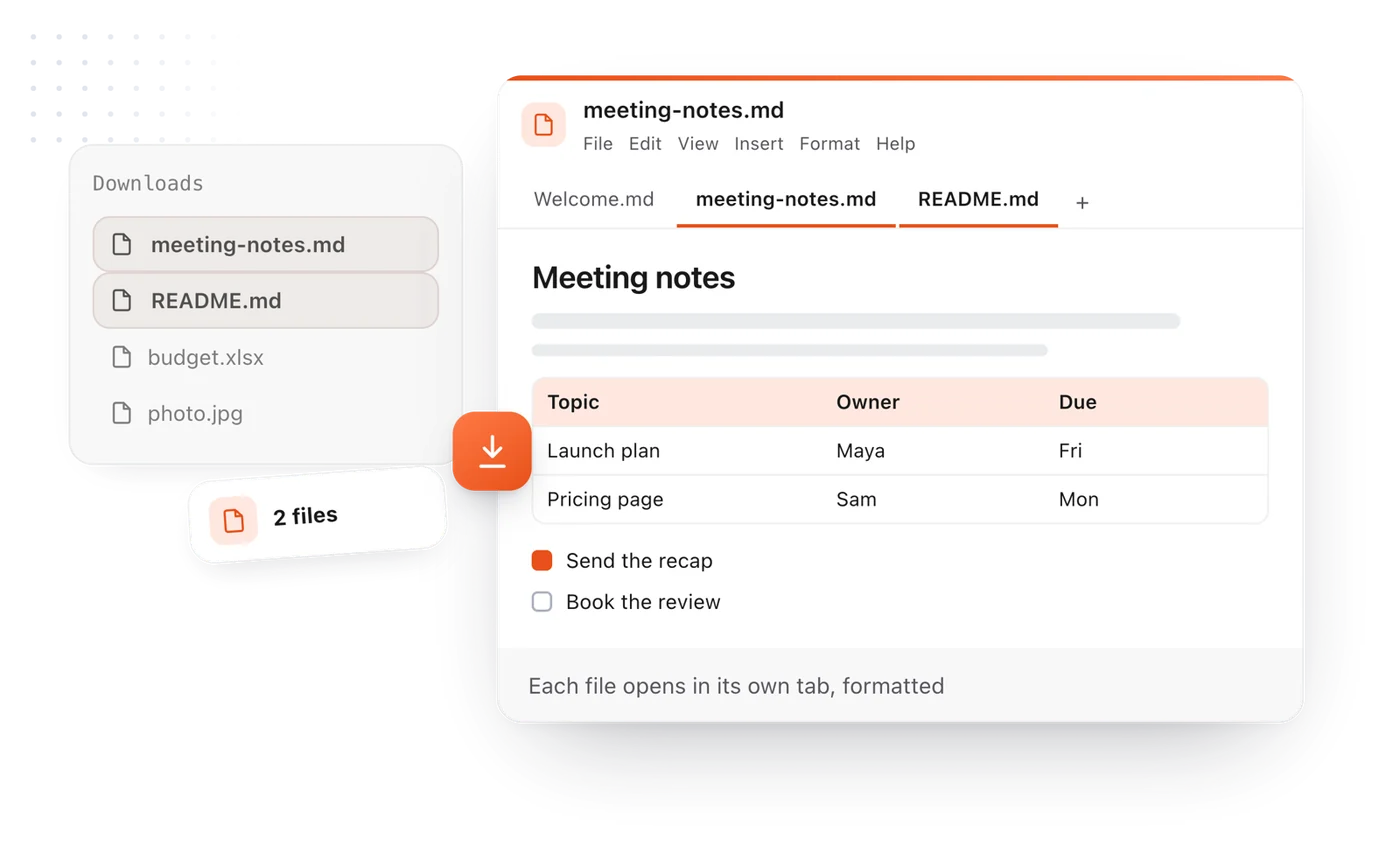
Paste or type your Markdown into the editor on this page. It renders the moment it lands. You can also open a .md file with File > Open, or drop one on the page.
Is Markdown Live Preview free?
Yes. There is no account, no sign-up and no limit on how much you write.
Is my text uploaded anywhere?
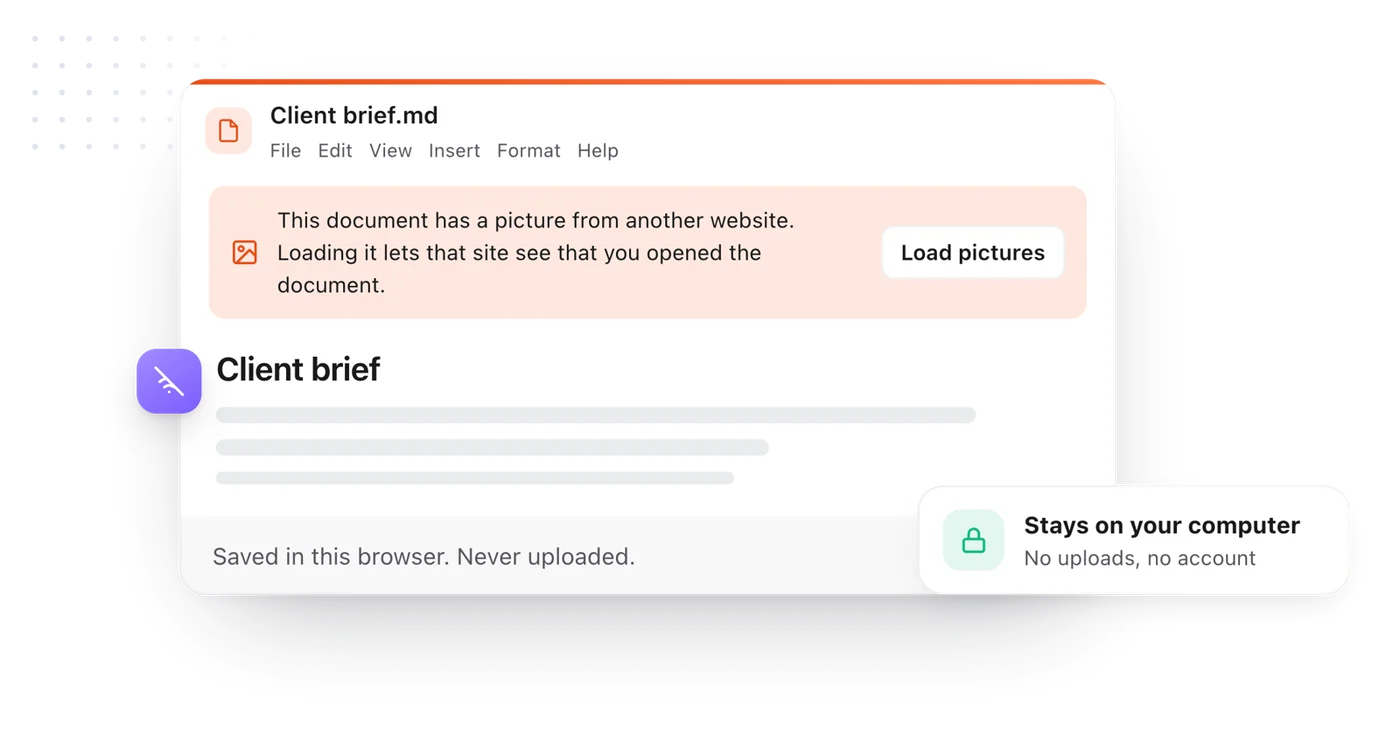
No. Everything you type or open stays in your browser, on your own computer. It is saved there so it is still here when you come back.
Which Markdown does it support?
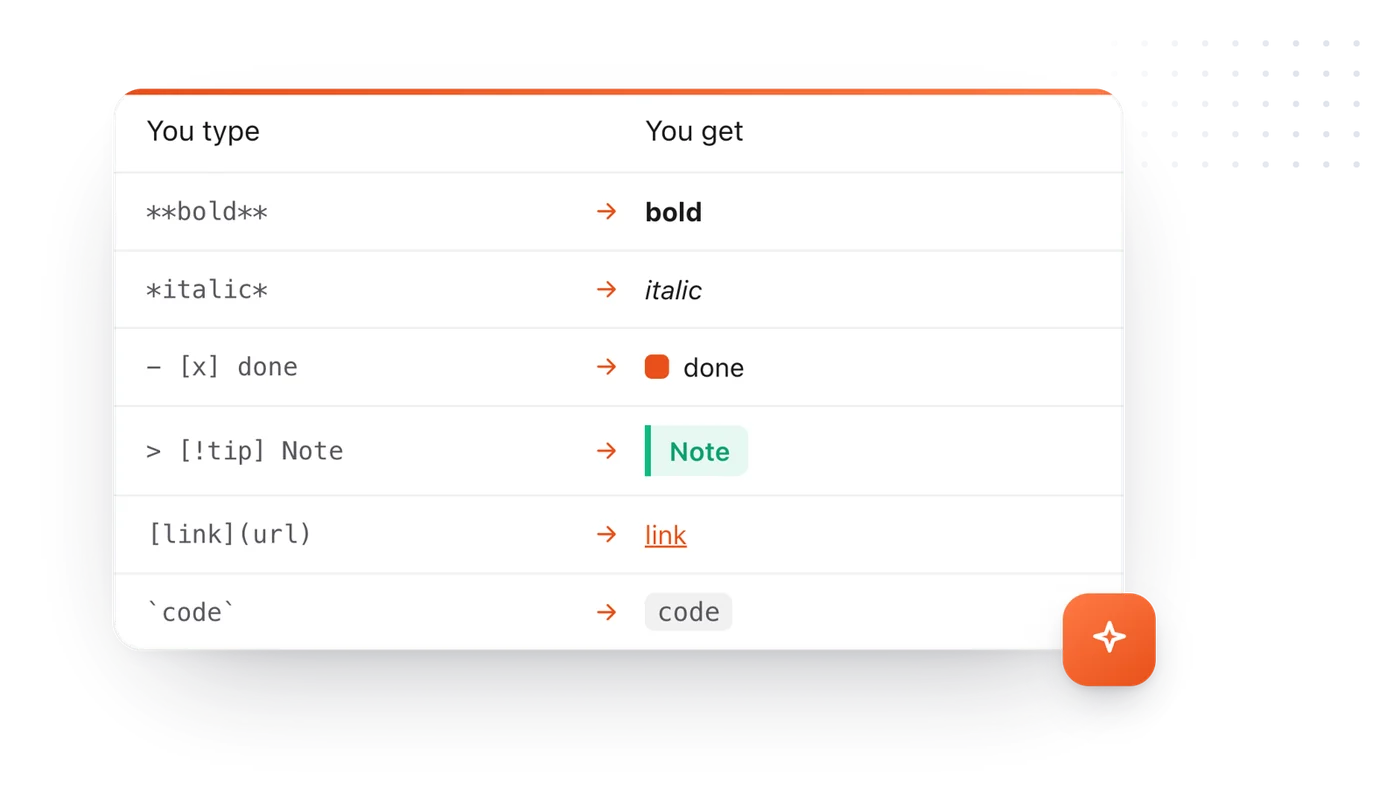
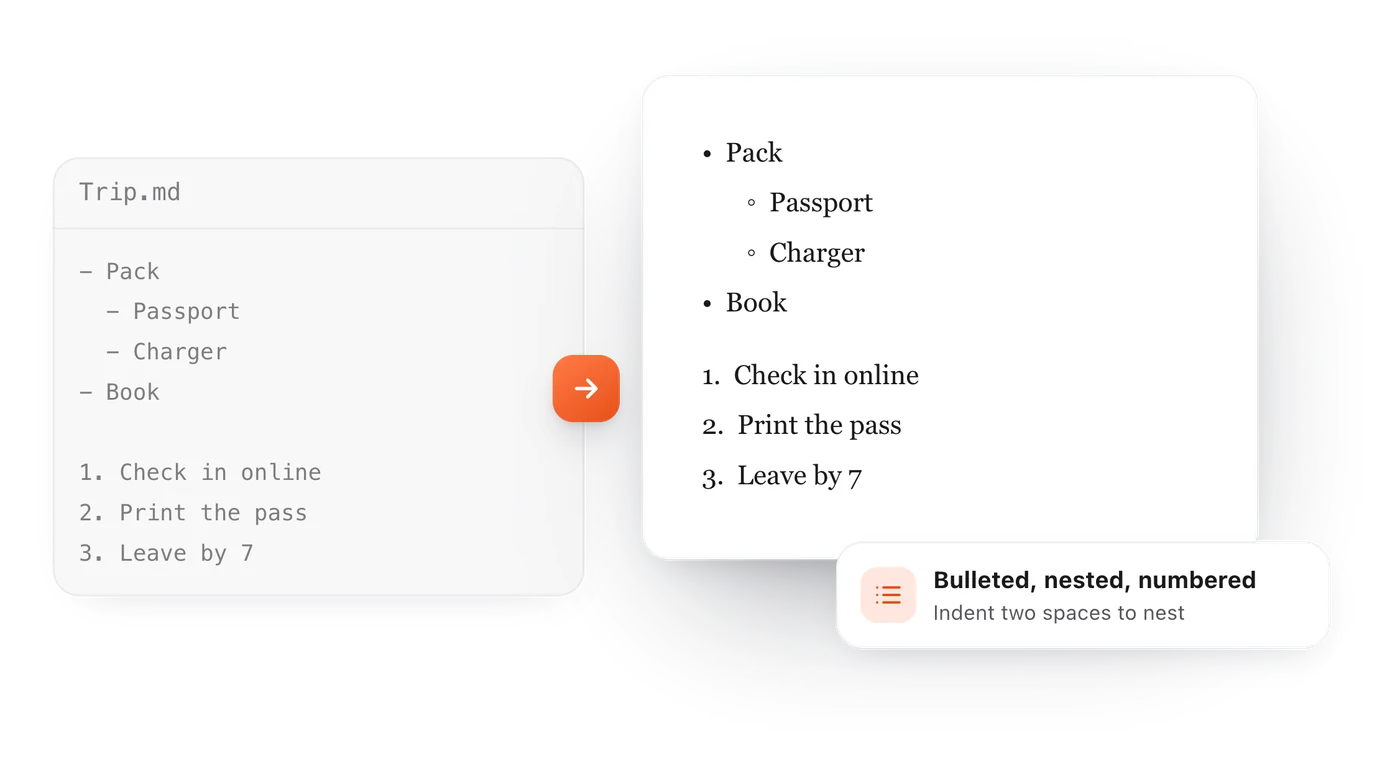
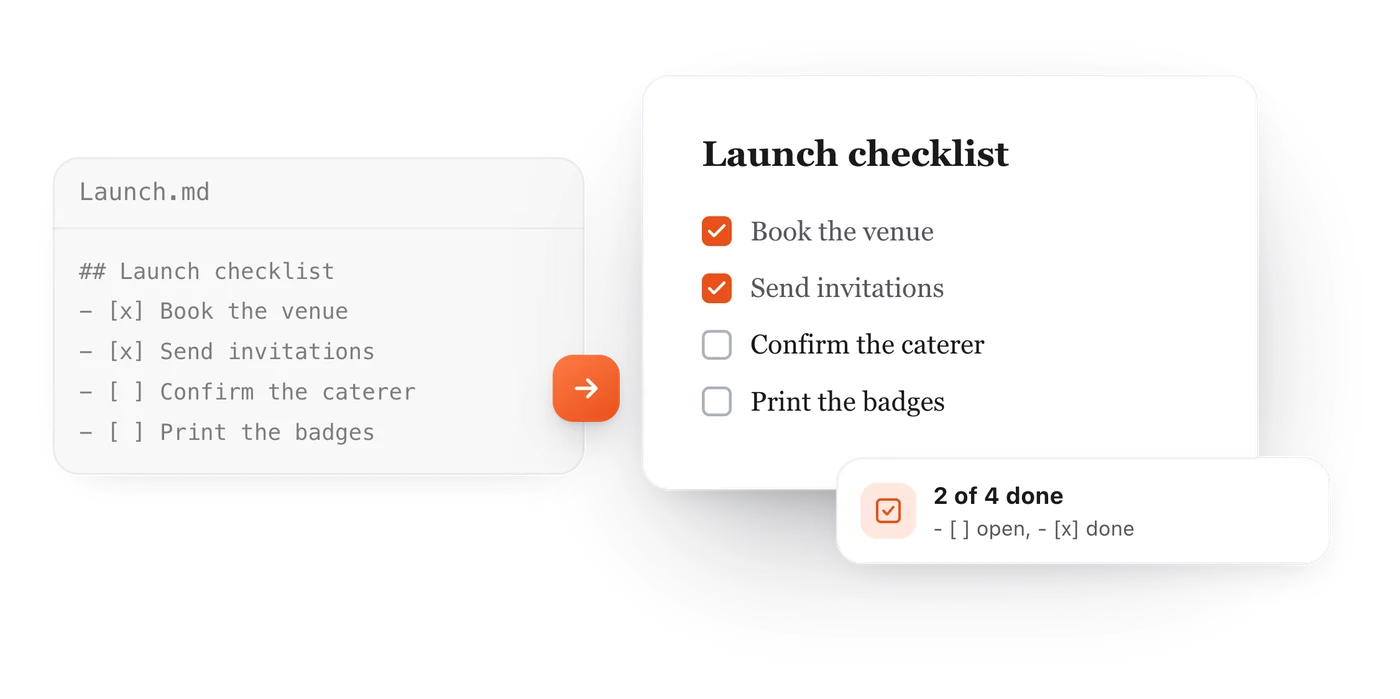
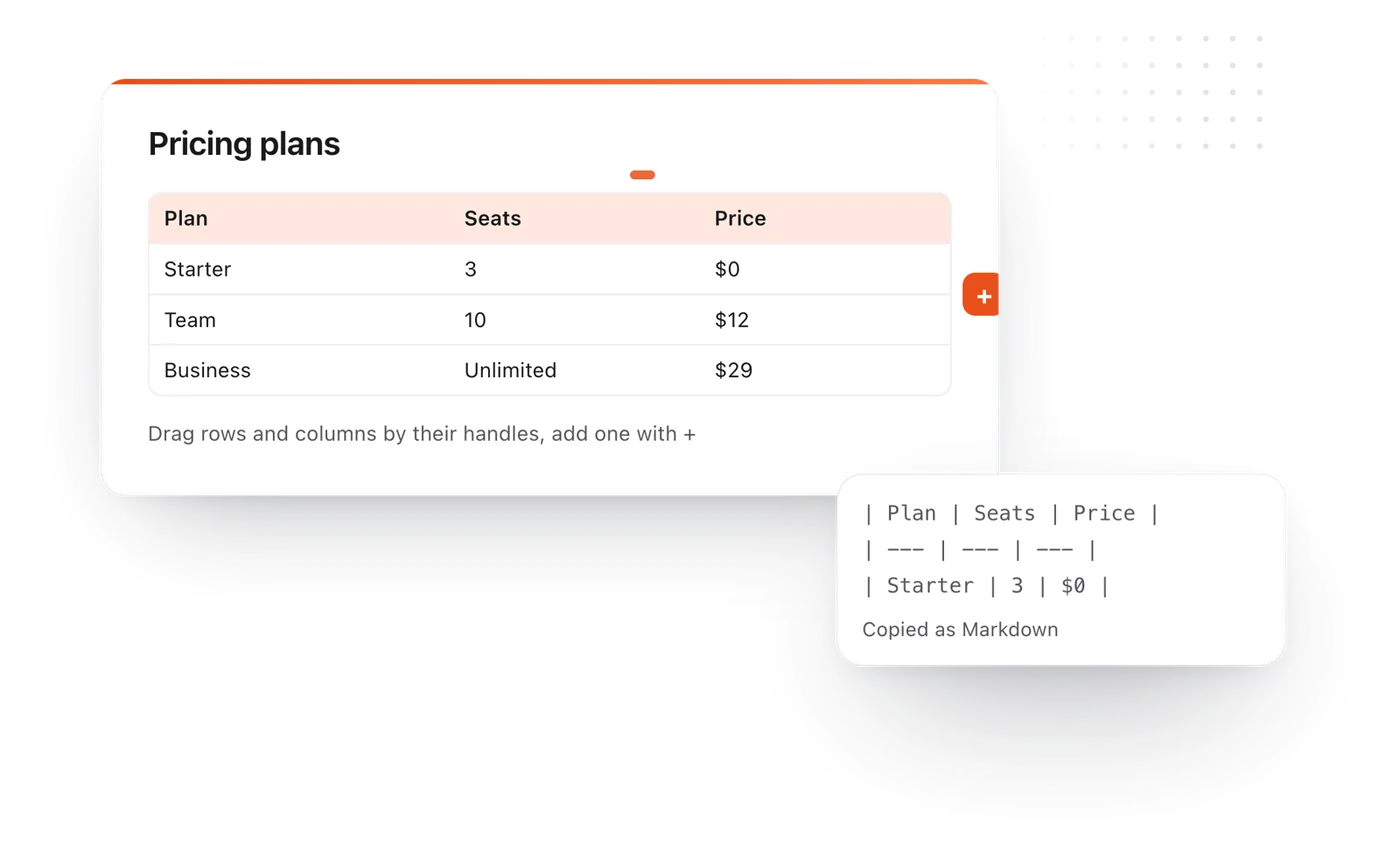
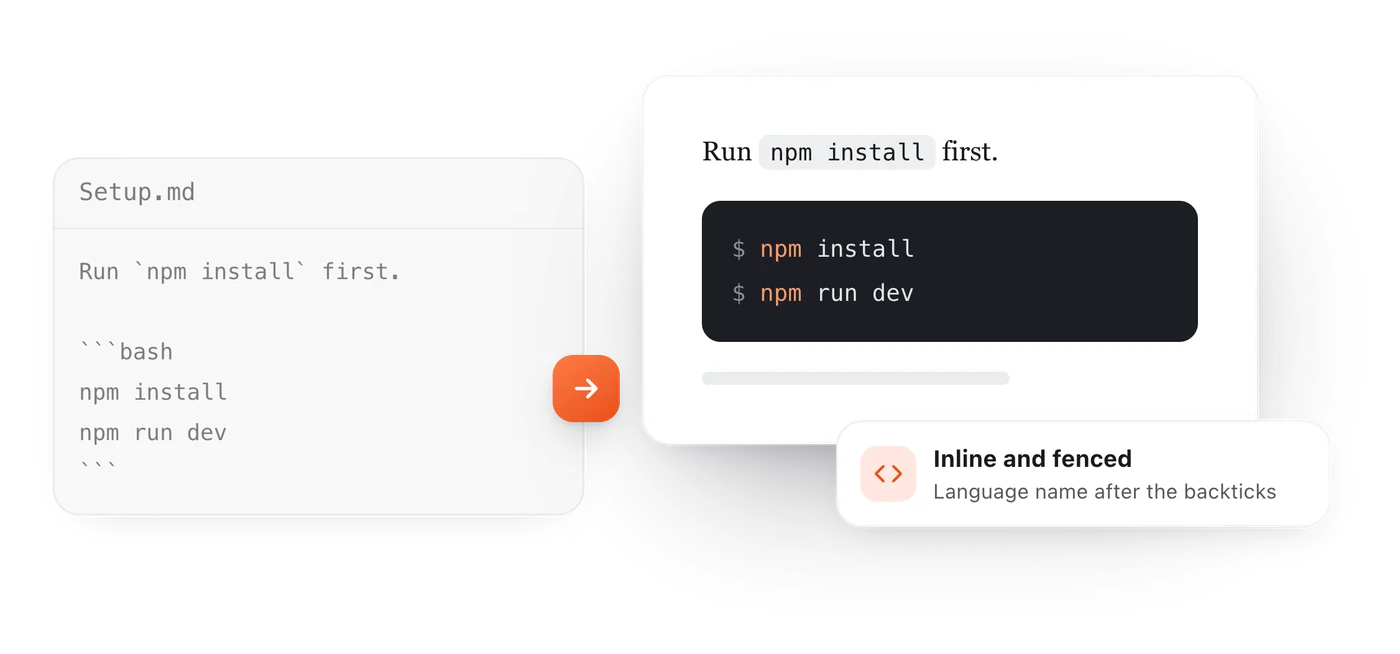
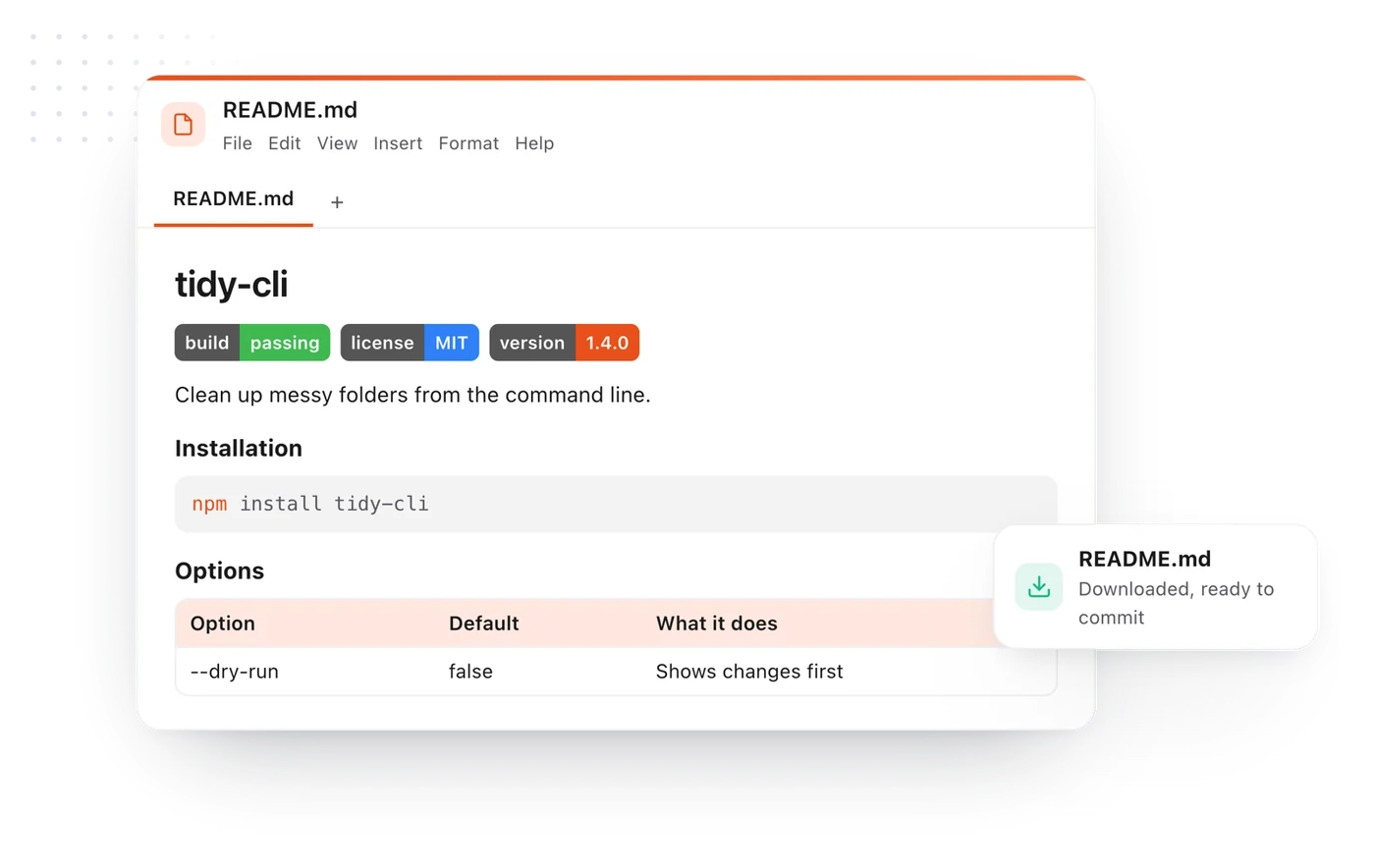
GitHub Flavored Markdown: headings, bold and italic, links, images, lists, task lists, tables, quotes, strikethrough, footnotes and fenced code blocks with syntax highlighting. Mermaid diagrams draw too.
Can I export what I preview?
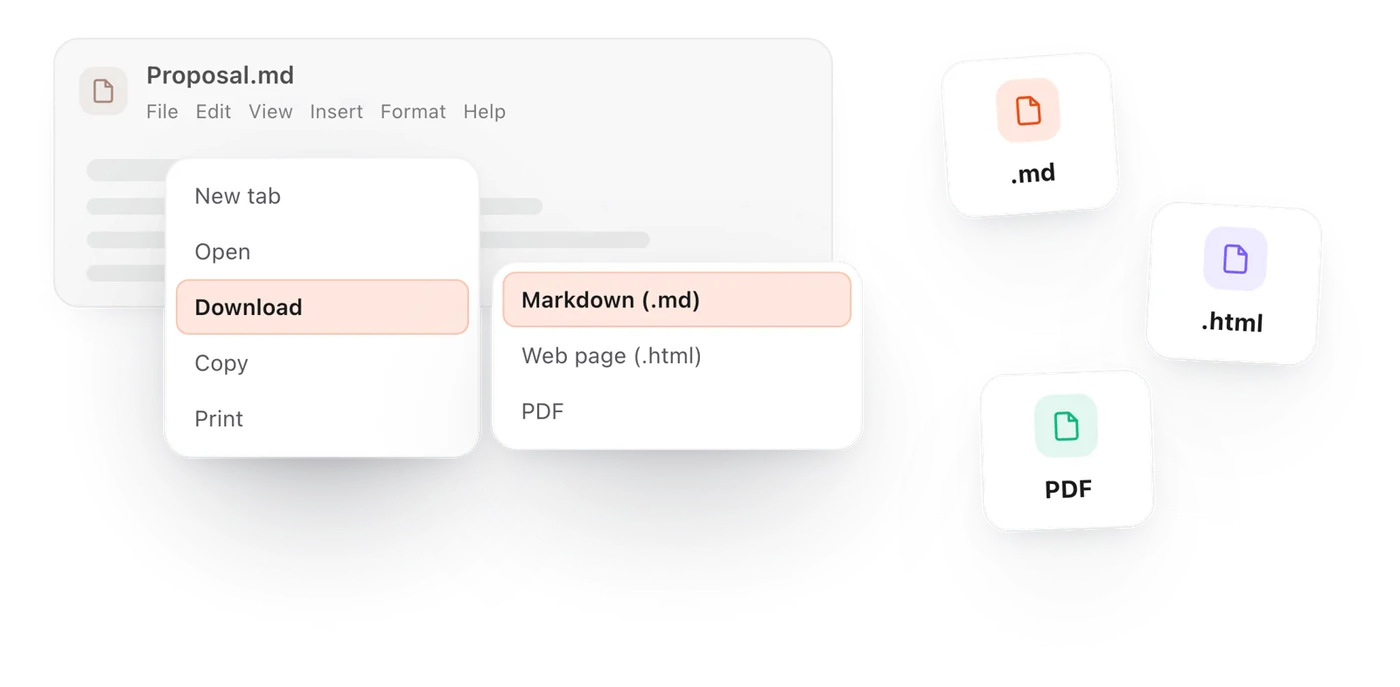
Yes. File > Download saves the document as Markdown, a PDF, a Word document or a web page, and File > Copy copies it as rich text for an email or a document.
Does it work on Windows, Mac, Linux and Chromebooks?
Yes. It runs in any modern browser, so it works on every computer and needs no install.
Who makes Markdown Live Preview?
The team behind TypeFire, a free Mac app and Chrome extension for Markdown notes, text snippets and clipboard history. This page uses TypeFire's editor.
Does it render Mermaid diagrams?
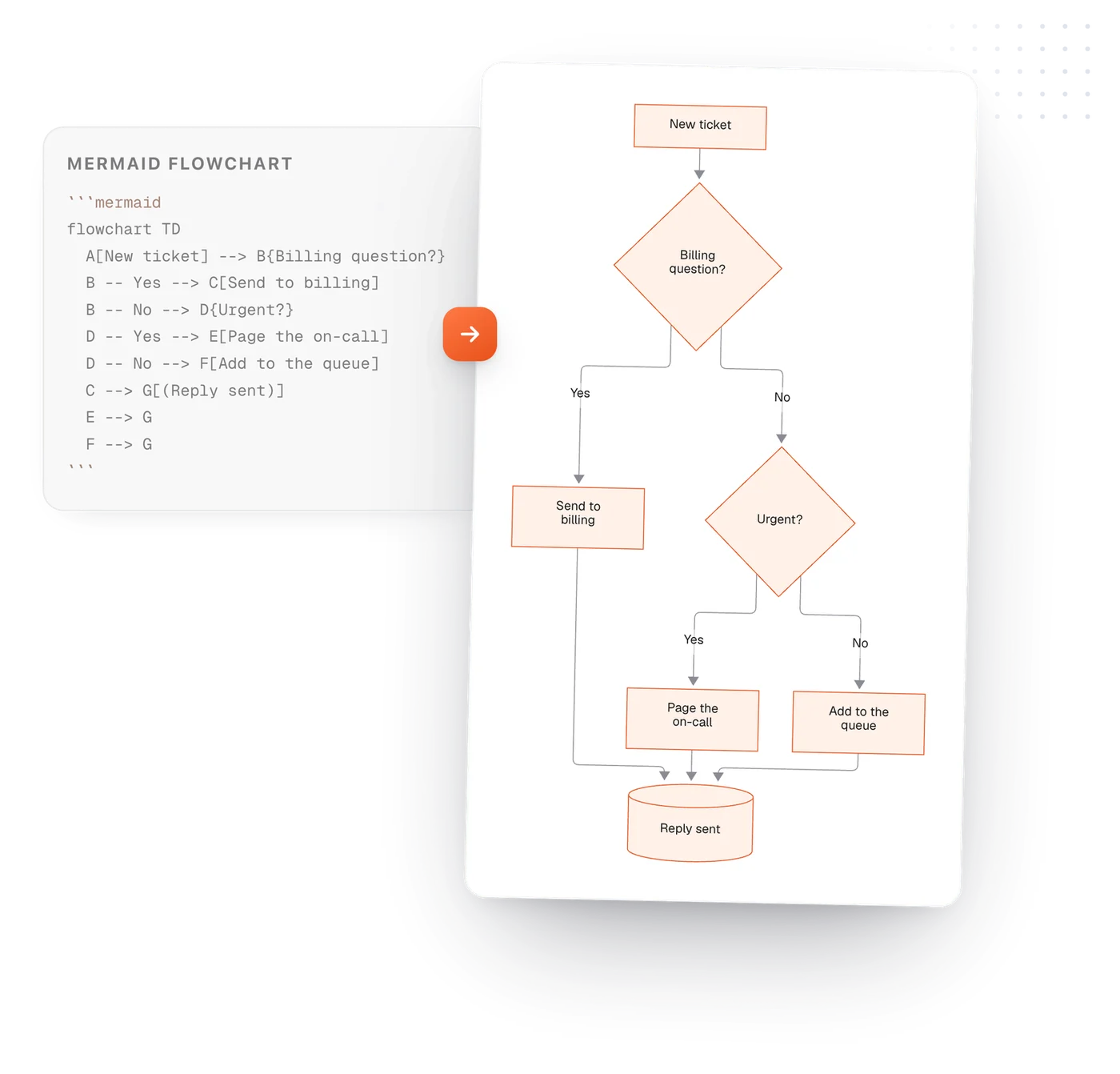
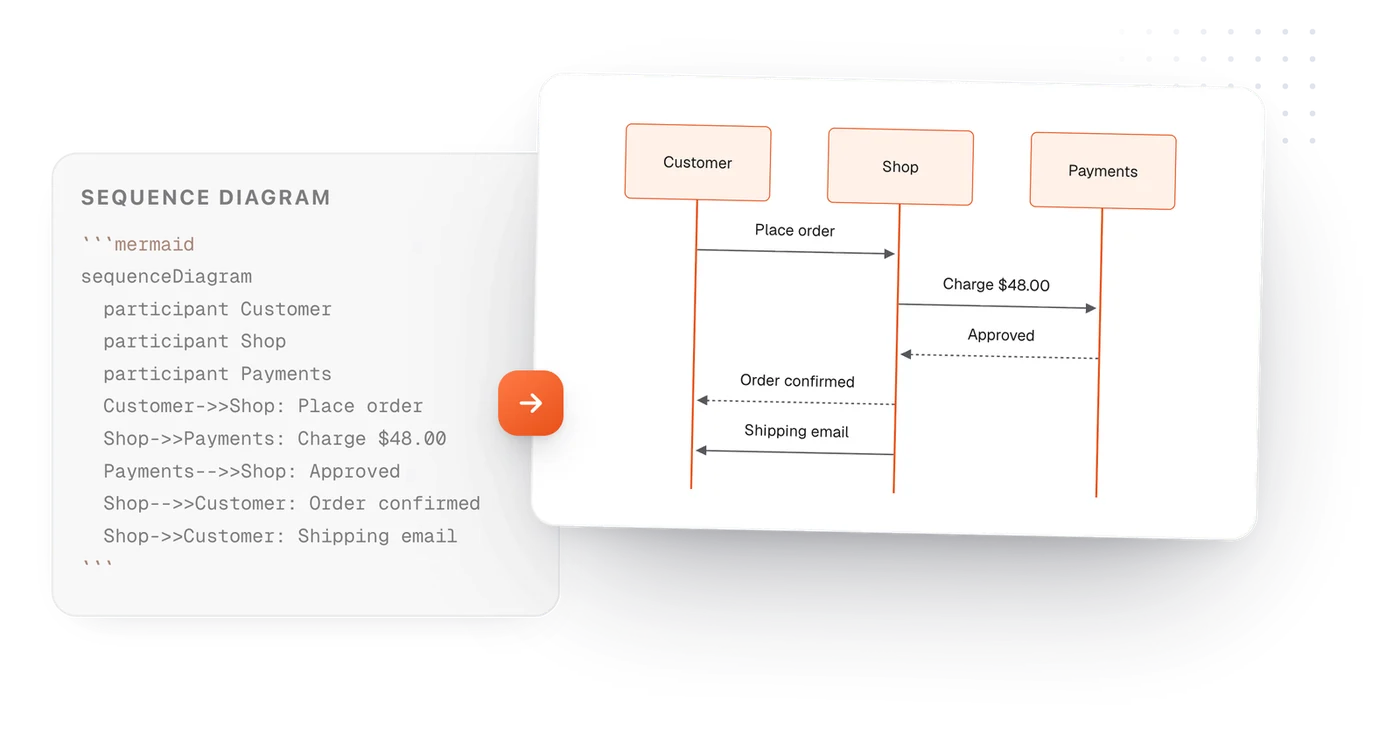
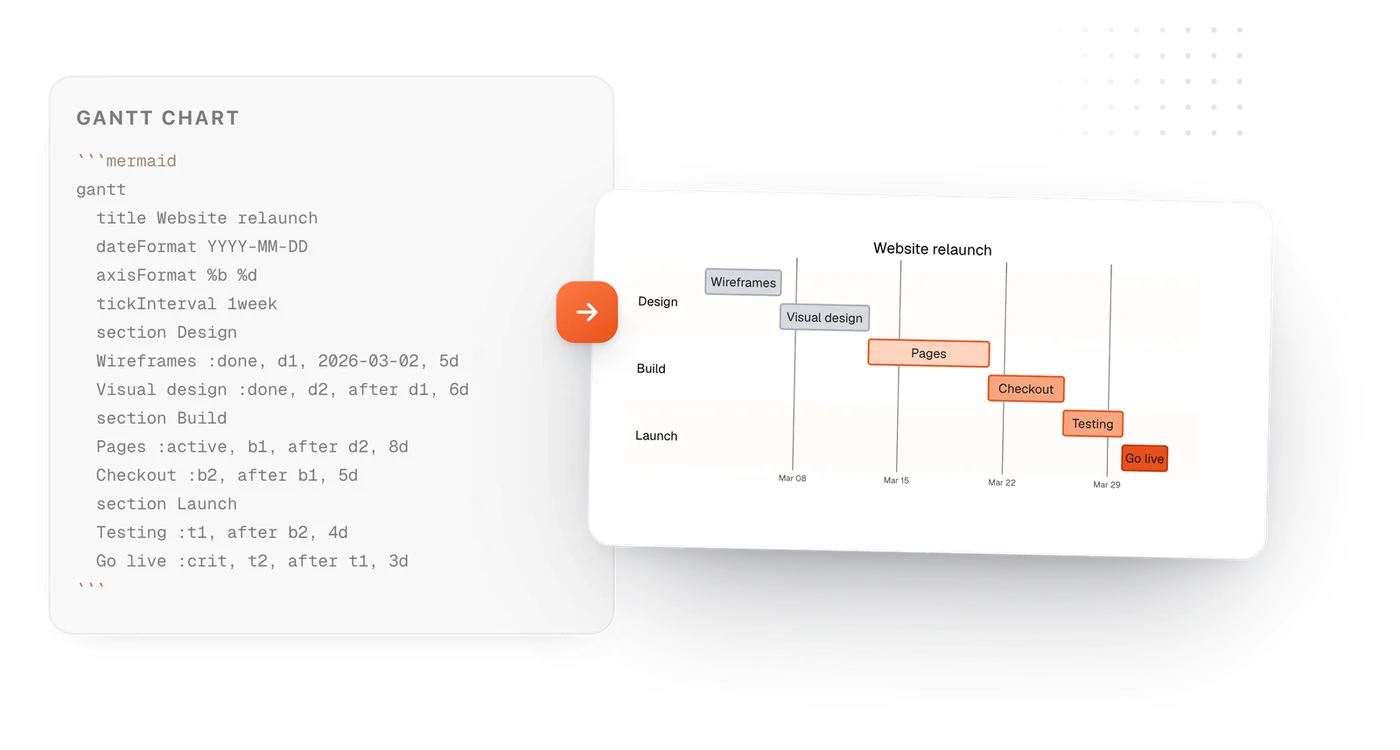
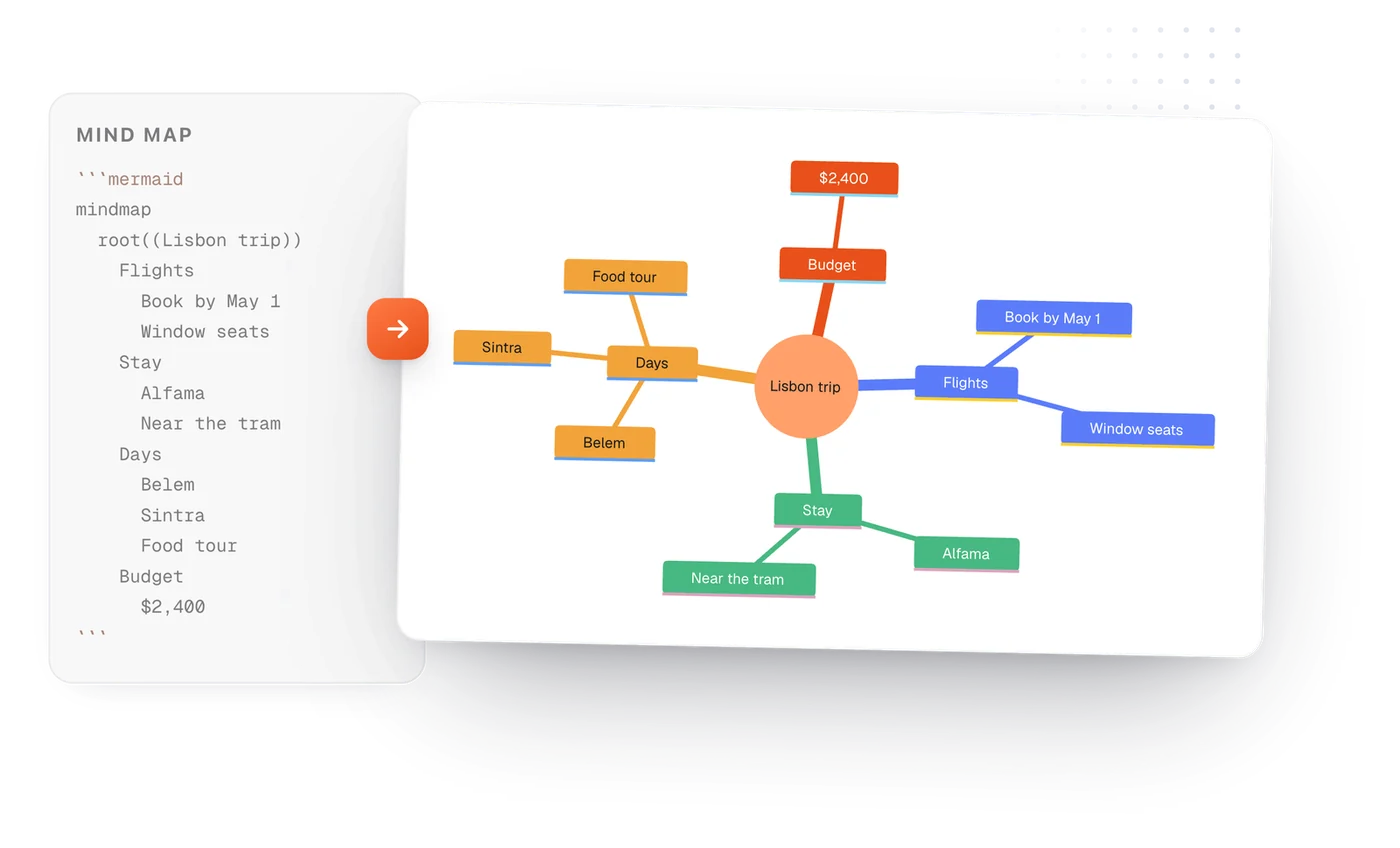
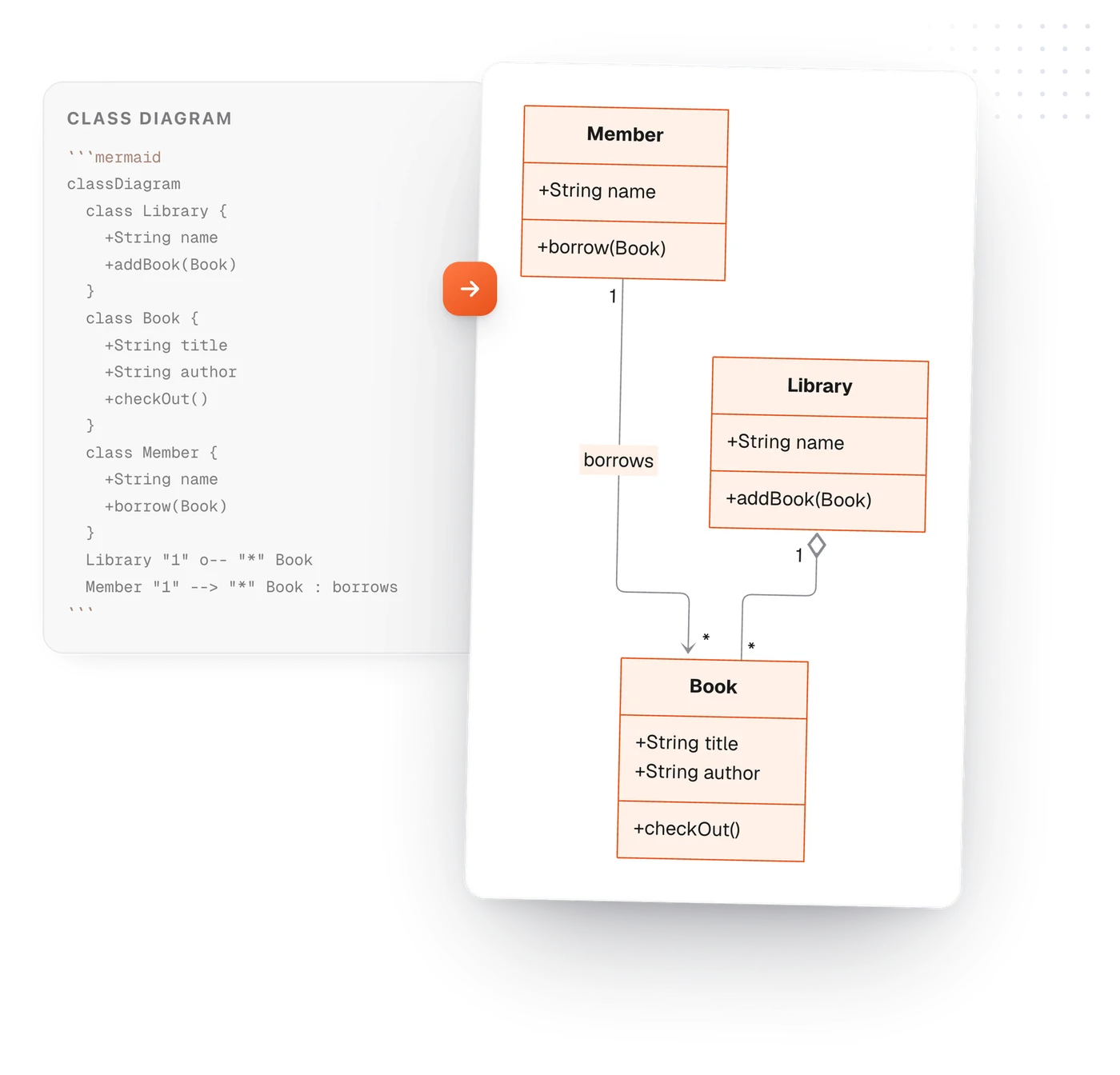
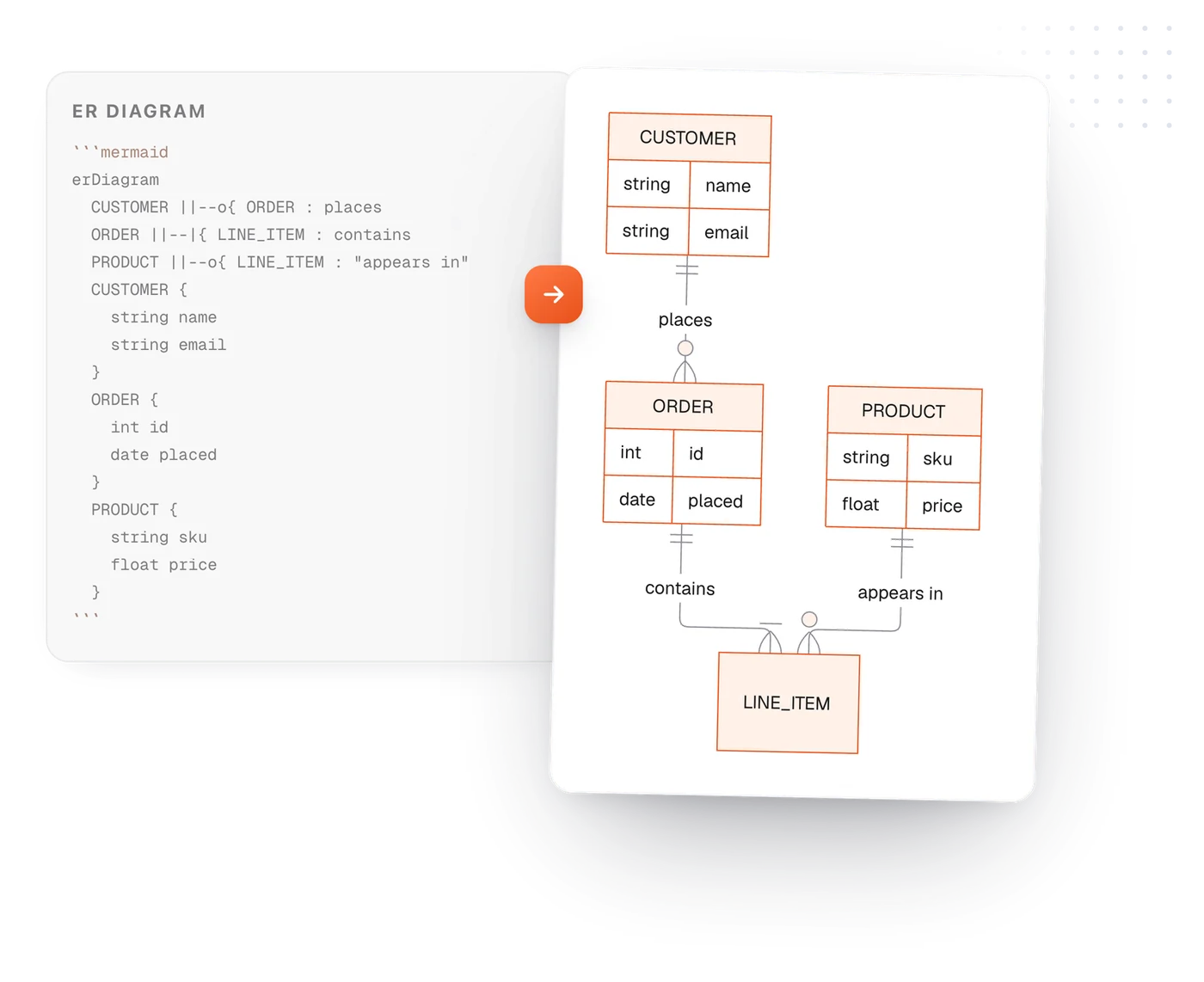
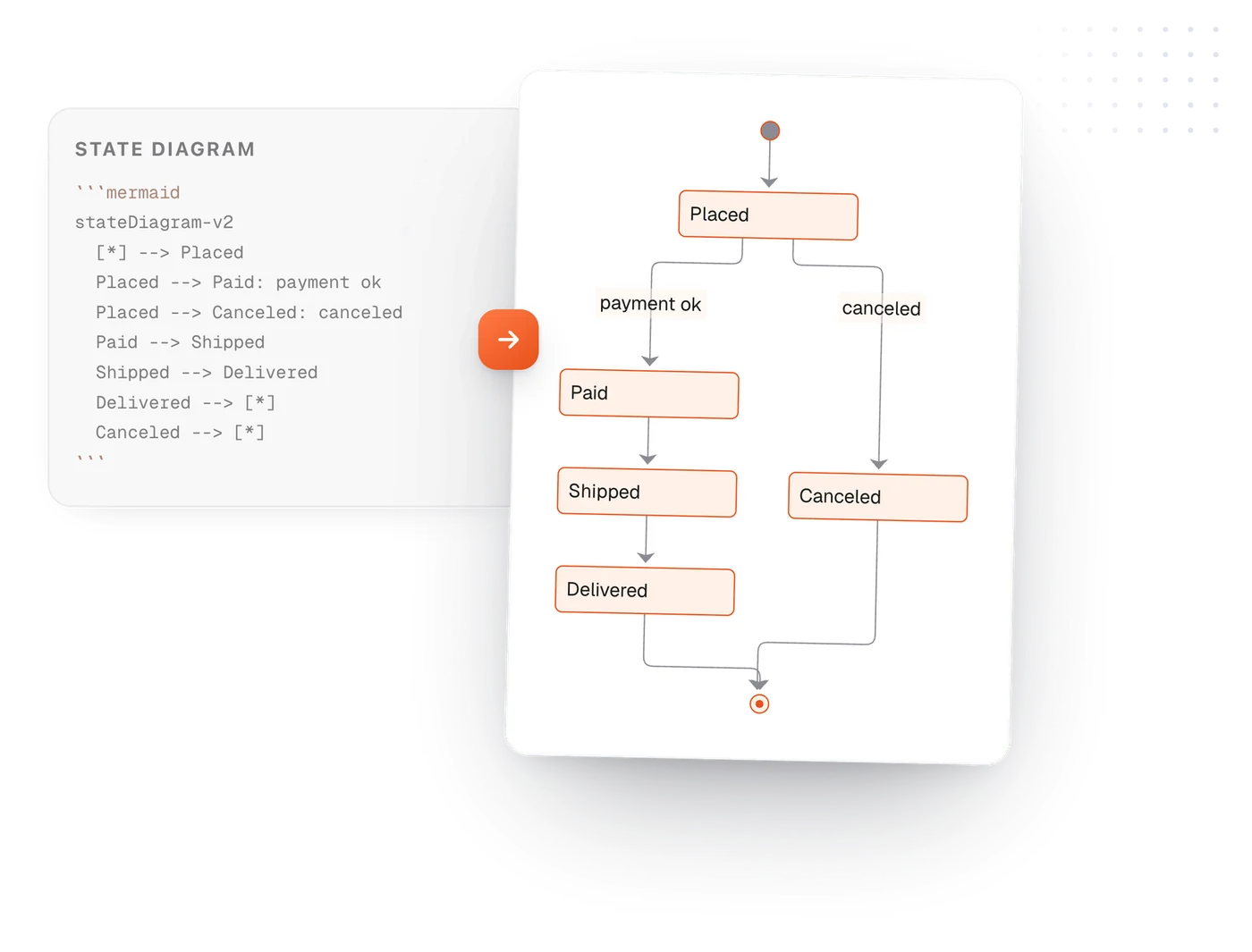
Yes. Put Mermaid in a code block marked mermaid and the diagram draws under it: flowcharts, sequence diagrams, Gantt charts, mind maps, class diagrams, entity relationship diagrams and state diagrams.
How do I convert Markdown to PDF?
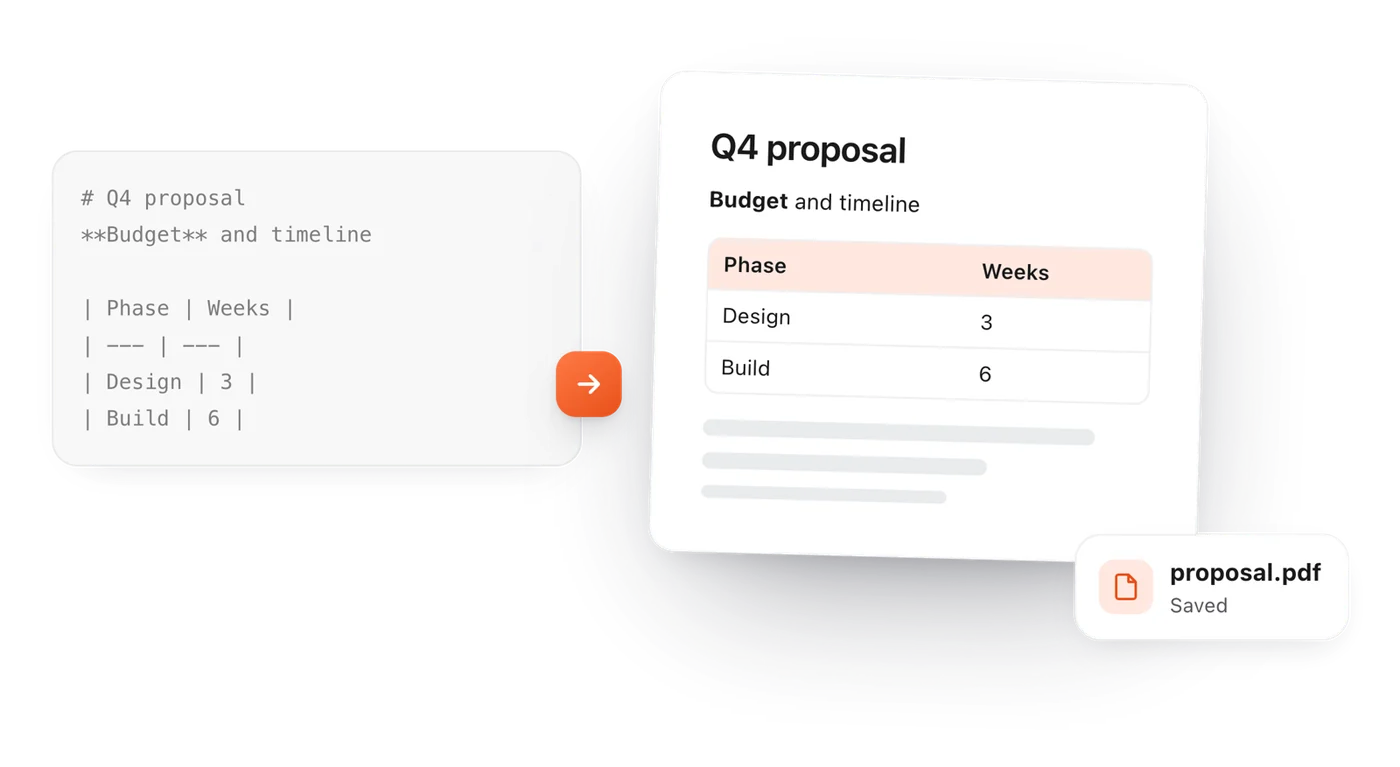
Paste or open your Markdown, check the preview, then choose File > Download > PDF. The PDF keeps the tables, code and diagrams as they look in the preview.
How do I convert Markdown to Word?
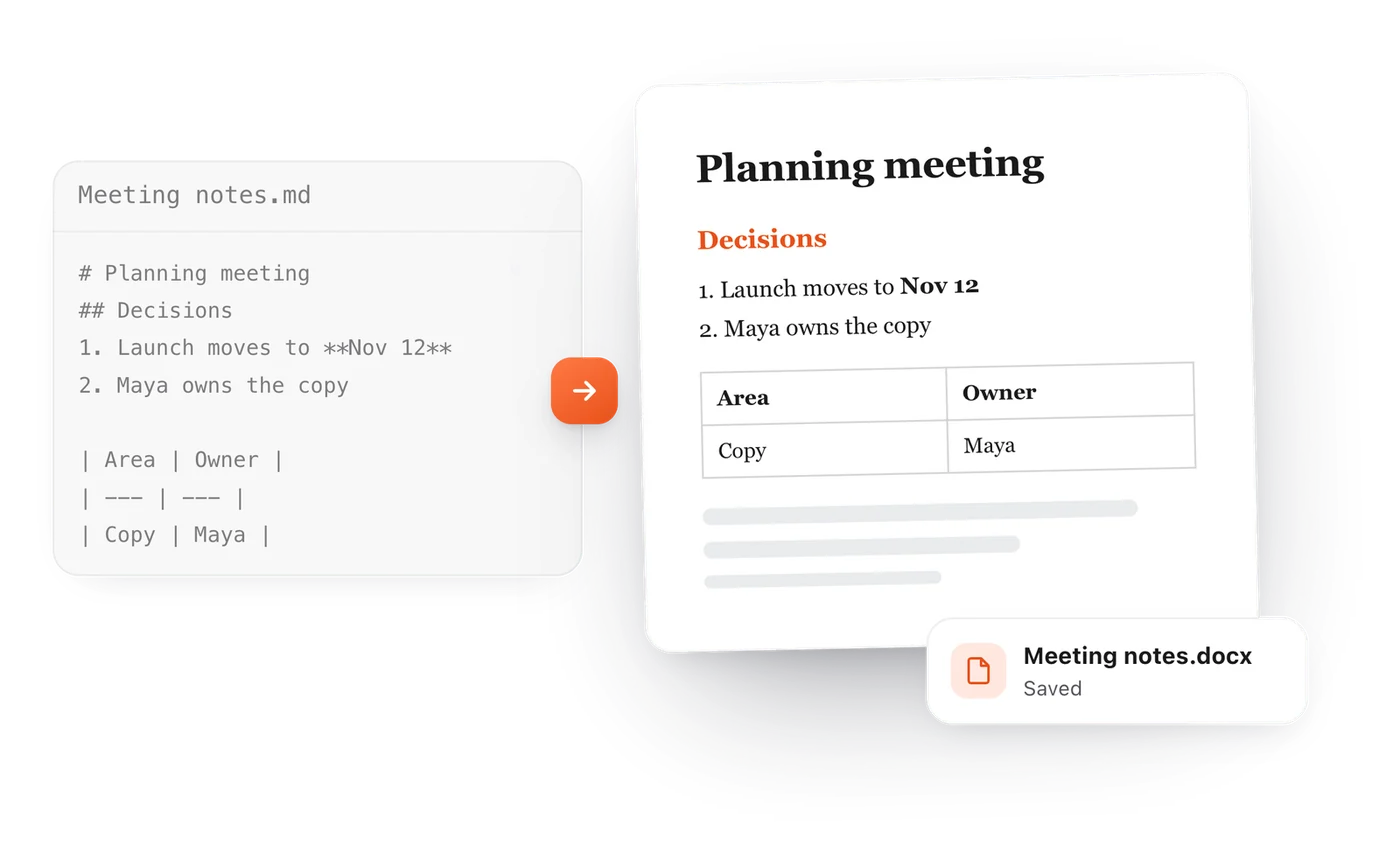
Choose File > Download > Word. You get a .docx file with real headings, lists and tables that opens in Word or Google Docs.
Can I copy the result into an email or a document?
Yes. File > Copy > As rich text copies the formatted document, so it pastes into Gmail, Google Docs or Word with its headings, lists and tables.
Why does my ChatGPT answer show stars and hashes?
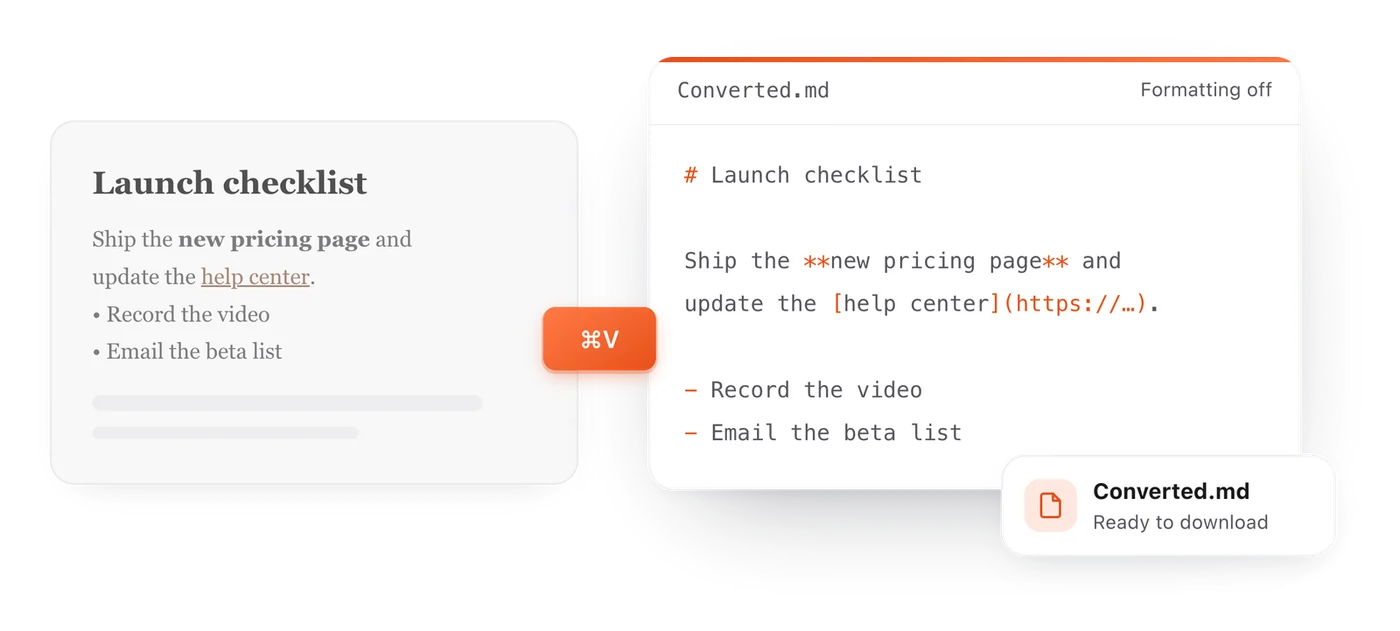
Because AI tools write their answers in Markdown, and what you pasted is the Markdown itself. Paste it here and it renders as formatted text, which you can then copy without the symbols.
Why do ChatGPT, Claude and Gemini answer in Markdown?
Markdown is plain text, so a model can write it character by character, and it marks headings, lists and tables with very few symbols. The chat app turns those symbols into formatting. When you copy an answer somewhere else you often get the raw Markdown, and pasting it here shows it formatted again.
What are CLAUDE.md, AGENTS.md and SKILL.md files?
They are Markdown files that give AI coding tools their instructions. Claude Code reads CLAUDE.md, many coding agents including Codex, Cursor and Gemini CLI read AGENTS.md, and every Claude skill has a SKILL.md. Because they are ordinary Markdown, you can paste one here to read it formatted, edit it and download it again.
Can I open more than one file?
Yes. Each file you open or drop on the page gets its own tab, and the tabs are saved in your browser until you close them.
What is the difference between a live preview and a split view?
A split view shows the Markdown source in one pane and a rendered copy in another. A live preview formats the text in place, in a single pane, so you never have to match up two sides.
 TypeFire